Live captions have quietly become essential. Meetings, lectures, streams, and webinars all benefit from real-time text on screen — for accessibility, for note-taking, or simply for following along in a noisy room. The problem is that most captioning tools ship your audio straight to a cloud service you don’t control. Whisper-Live takes the opposite approach: everything runs on your own infrastructure.
What Whisper-Live Does
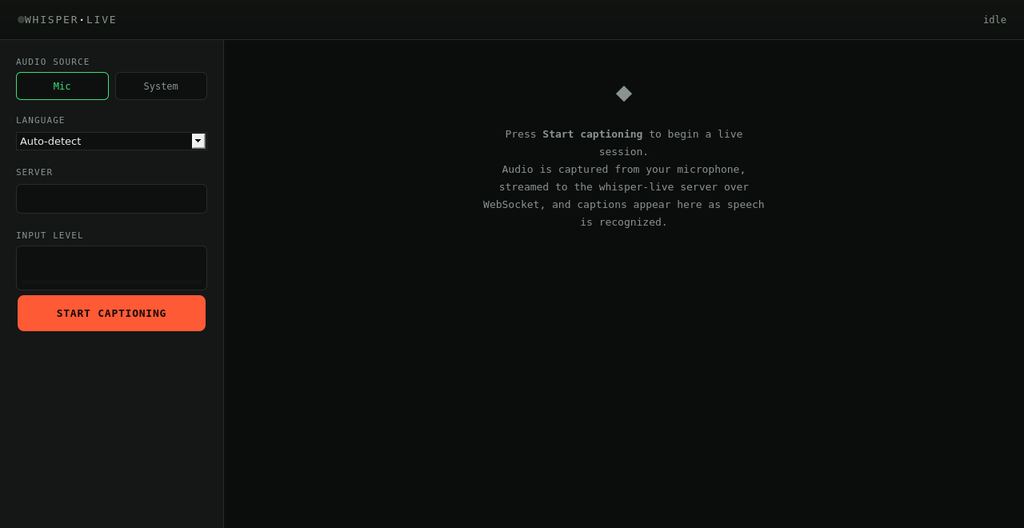
Whisper-Live is an open-source, self-hosted service that turns a live audio stream into real-time captions. Speak into a microphone, and within seconds stable, corrected text appears on screen. Behind the scenes it’s built around a streaming pipeline that listens continuously, breaks audio into short overlapping windows, transcribes each window, and then stitches the results back together into one clean, continuous transcript — without duplicated or garbled words where the windows overlap.
Why Self-Hosted Matters
Sending live audio to a third-party API means every word spoken in a meeting leaves your network. For teams handling confidential discussions, healthcare conversations, legal proceedings, or simply anyone who prefers to keep their voice data in-house, that’s a non-starter. Whisper-Live runs entirely on infrastructure you control — a laptop, an on-prem server, or your own cloud account — so the audio never has to leave.
How It Works
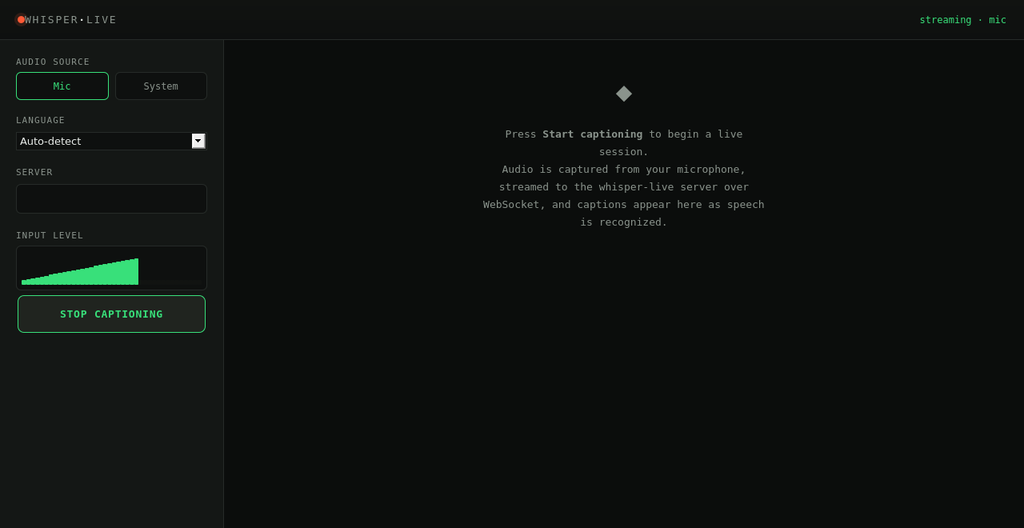
At its core, Whisper-Live is a WebSocket server written in Go. A client — the included browser app, or any custom integration — streams raw audio to the server in small chunks. The server buffers that audio into rolling windows, skips silence automatically using voice activity detection, and sends each window of speech to a transcription backend. As results come back, an overlap-reconciliation step compares each new window against what’s already been said and merges them into a single, stable transcript, only marking text as final once it’s been confirmed by a later, overlapping window.
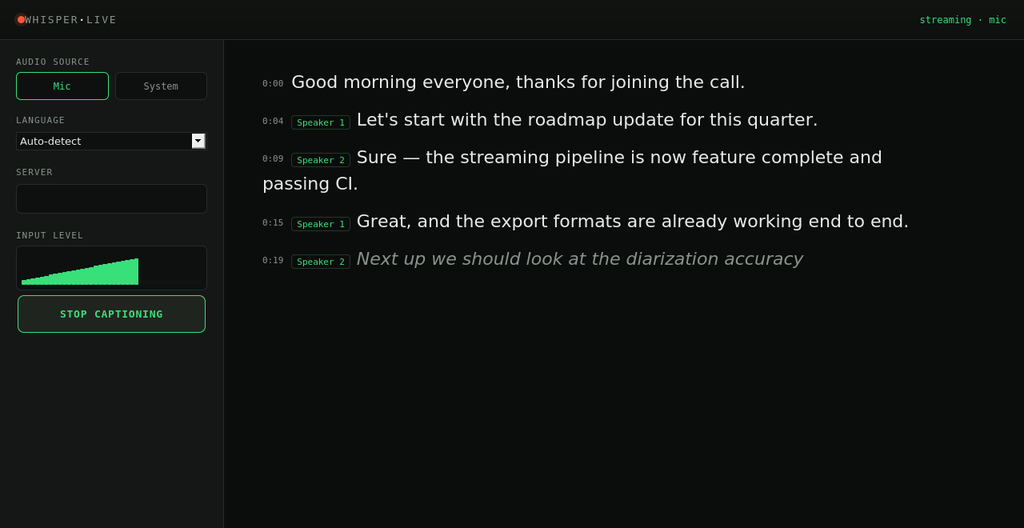
The result is captions that update the way real captioning should: an interim, slightly rough guess appears almost instantly, then firms up into corrected, final text a moment later — never duplicated, never out of order.
Key Features
Live streaming transcription over a simple WebSocket protocol, with a ready-to-use browser client for capturing microphone audio and displaying captions as they arrive.
A sliding-window buffering and reconciliation engine that turns overlapping, noisy model output into one coherent running transcript.
Lightweight speaker labeling, so multi-person conversations get tagged as Speaker 1, Speaker 2, and so on, without needing a heavyweight diarization model.
Keyword alerting, so specific words or phrases spoken live can trigger a notification or webhook — useful for monitoring streams or support calls.
Session export to SRT, VTT, or plain timestamped text, so every session leaves you with a usable transcript or subtitle file, not just a scrollback of captions.
A pluggable transcription backend: run against a lightweight built-in mode out of the box, or point it at a whisper.cpp installation or a Docker-based Whisper service for full accuracy.
Getting Started
Whisper-Live is a Go project with no required external services to get a first session running. Clone the repository, start the server, open the bundled browser client, and click Start Captioning. Everything — audio capture, streaming, transcription, and export — runs locally from that point on.
Where It’s Headed
The architecture was built with room to grow: live translation overlays for multilingual captions, meeting summarization at the end of a session, and automatic model scaling to keep captions real-time even on modest hardware are all designed into the project’s interfaces, ready for backends to be plugged in.
Try It Today
Whisper-Live is open source and available now. If real-time captioning matters to your team and keeping that audio under your own control matters even more, it’s worth a look.
Explore the project on GitHub – https://github.com/AIHelpers/whisper-live
Leave a Reply