If you’ve ever wanted to run a large language model without signing up for an API key, paying per token, or sending your prompts to someone else’s server, HomeBred-LLM is worth a look. It’s a free, open-source desktop application that lets you download, run, and chat with open-weight AI models entirely on your own computer — on Windows, Linux, or macOS.
If you build or consume APIs, you already know the problem: the backend isn’t ready, but the frontend team needs something to build against today. Hand-written stub servers drift out of sync with the real contract within a week. Postman mock servers work, but they live outside your codebase and don’t version with it.
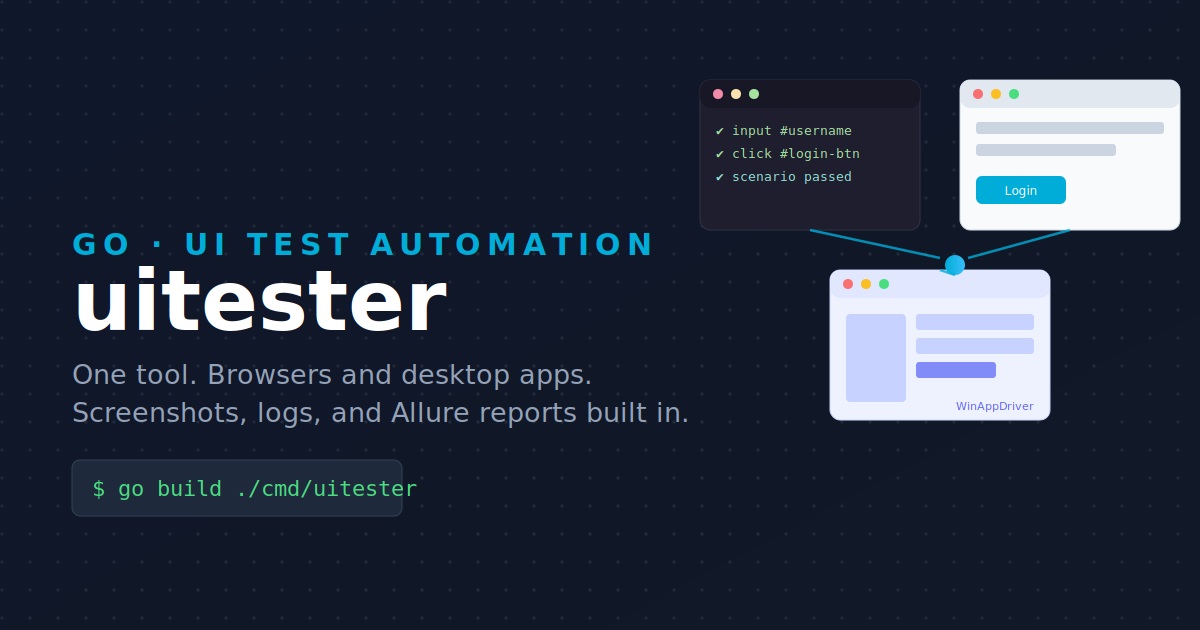
If you’ve ever had to stitch together Selenium for your web app, Appium for your mobile app, and something else entirely for a native Windows or macOS tool, you already know the pain: three different frameworks, three different config formats, three different report styles. Uitester is a small, open-source Go command-line tool built to close that gap — one binary, one JSON scenario format, one report, and a pluggable backend that can drive a browser directly, or talk to any server that speaks the standard WebDriver protocol (Selenium Grid, Appium, WinAppDriver).
In this article we’ll walk through what uitester does, how it’s built, and — step by step — how to install it, write your first test scenario, and generate a polished Allure report from the results.